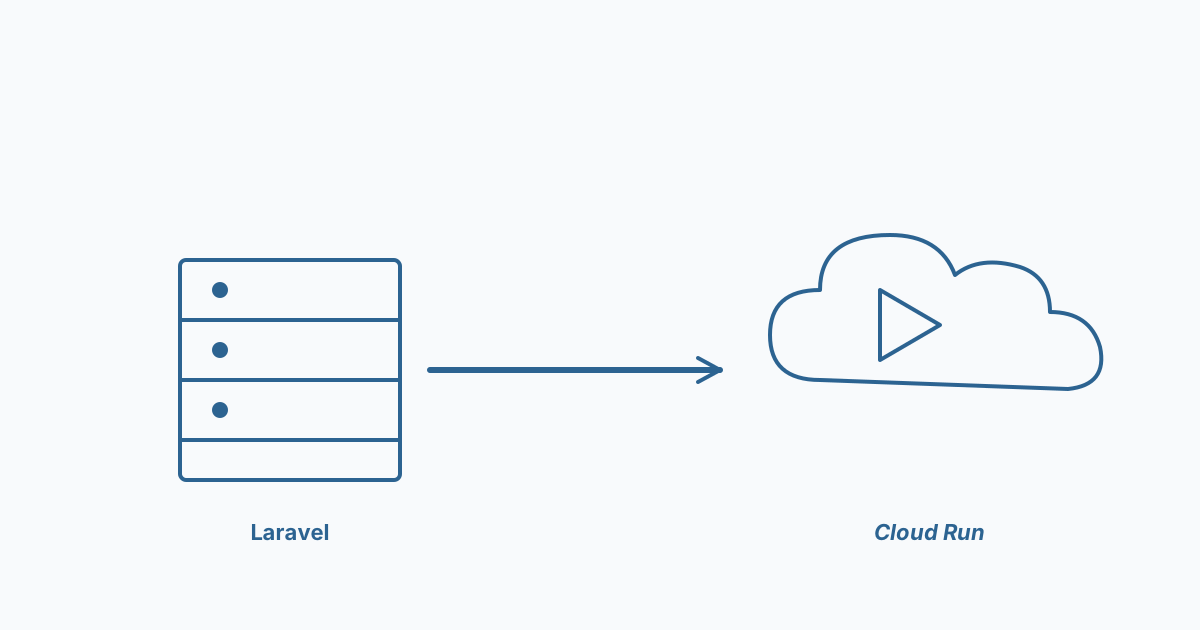
Late last year we wrapped a migration we'd been planning for months — a six-year-old Laravel monolith running on a single VPS, moved onto Cloud Run with managed Postgres. The kind of unglamorous work that makes everything else easier afterwards.
Here are the lessons worth passing on.
What went smoothly
- Containerizing Laravel itself was a non-event. A 30-line Dockerfile, PHP-FPM + nginx in one container, done in a day. The ecosystem has matured.
- Cloud SQL for Postgres was boring in the right way. Set it up, point at it, never thought about it again.
- Secrets management. Moving from
.envfiles on the VPS to Secret Manager + Cloud Run env injection eliminated a whole category of mistakes we'd been living with.
What hurt
- The queue worker. Laravel queues running on the same VPS got invisible "free" benefits — shared filesystem, shared cache. On Cloud Run those assumptions broke. We ended up running queues as a separate Cloud Run service with a persistent worker, not the request-handler pattern.
- File uploads. The app wrote user uploads to local disk and served them back. On Cloud Run (ephemeral filesystem), that silently broke after each scale event. Migrate to Cloud Storage on day one of the cutover — not "we'll fix it later."
- Session storage. Default file-based sessions don't work across Cloud Run instances. Switch to database or Redis sessions before going live.
What we'd do differently
- Run the old and new in parallel for two weeks. We did one week. Some edge cases only show up on real production traffic and we didn't give ourselves room.
- Plan the database cutover separately from the app cutover. We did both in one window. Splitting them would have made the rollback path much simpler.
- Build the observability story first. We had logs and metrics on day one of the new stack, but the dashboards lagged a week. That week of "is it actually working?" was uncomfortable.
What the client got
Hosting costs went from ~$280/month (VPS + backups + monitoring add-ons) to ~$190/month on Cloud Run + Cloud SQL. Not a huge saving, but the operational story is completely different — they can scale, they can rollback in a click, and the next migration won't be a six-year-overdue panic.
The thing nobody tells you about migrations: the cost savings are nice, but the real win is removing the legacy-system tax from every future decision.