Five years ago, "no-code" meant landing pages and basic forms. In 2025, AppSheet and a handful of peers handle real internal applications — the kind we used to spend six weeks building from scratch. That changes how we recommend starting.
When AppSheet wins
- Internal apps for a small team (under ~50 users).
- The data already lives in Sheets, BigQuery, or a SQL DB — AppSheet binds to it natively.
- Workflow is rules-driven, not algorithm-driven — approvals, routing, status tracking, audit trails.
- The team needs mobile access but a native app is overkill.
- It needs to ship in days, not months.
Build a quote-request tracker, an inspection checklist, an inventory app, an asset register — these are AppSheet's home turf. Building them custom is just paying for the cost of being slower.
When custom still wins
- External-facing product surface — your customers shouldn't see AppSheet branding or feel its UX ceiling.
- High-traffic or performance-sensitive paths — AppSheet is internal-grade, not customer-grade scale.
- Complex business logic that's awkward to express in expression language and bot rules.
- You need it to live for 10 years — AppSheet is a Google product, and Google product longevity is a real consideration.
The hybrid we recommend most often
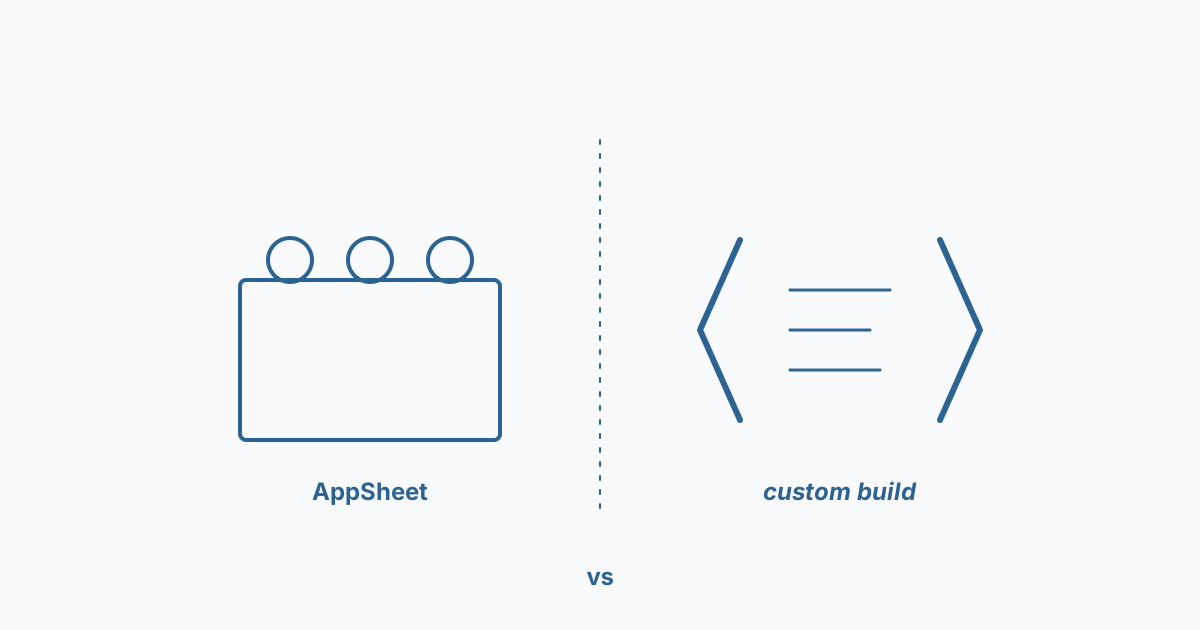
The pattern that lands best for clients: start in AppSheet, ship in two weeks, watch how it gets used for three months, then rewrite the parts that hurt as custom — usually 30% of the surface, not 100%.
The mistake is treating "no-code vs custom" as a religious war. The right answer almost always uses both.